A clearer starting point for your books.

Original QuickBooks how-to guides, practical checklists, an accountant-access tutorial and existing client forms—all in one place.

ORIGINAL QUICKBOOKS GUIDE

Learn how to reconcile your accounts

How to reconcile bank accounts in QuickBooks Online

Follow the statement-by-statement process, understand why the ending balance may not agree and see what to review before finishing a reconciliation.

Read the step-by-step guide →

General educational guidance based on official Intuit documentation; not a substitute for reviewing your actual records.

ORIGINAL QUICKBOOKS GUIDE

How to clean up months of overdue bookkeeping in QuickBooks Online

Find the oldest unfinished month, gather historical statements, review duplicate transactions and reconcile forward—without guessing at old adjustments.

Read the cleanup guide →

Educational guidance using official Intuit references, not a promise that every file can be corrected without professional review.

ORIGINAL QUICKBOOKS GUIDE

How to read a Profit and Loss report in QuickBooks Online

Understand revenue, direct costs, expenses, profit versus cash, and the difference between cash- and accrual-basis reporting. Includes a sample small-business report.

Read the Profit and Loss guide →

Original educational guide based on official QuickBooks documentation; examples are illustrative.

Bookkeeping checklists

Monthly bookkeeping checklist

  • Collect bank and credit card statements for each business account.
  • Gather receipts and note the business purpose of unclear transactions.
  • Review unpaid customer invoices and upcoming vendor bills.
  • Keep personal and business transactions separate and flag any mixed activity.
  • Review account balances and reports with your bookkeeper.
Prepare for a cleanup review

  • Identify the last month your books were reviewed or reconciled.
  • List all bank, credit card and loan accounts used by the business.
  • Check which statements and receipts are missing.
  • Note any duplicate entries, unreconciled balances or software changes.
  • Tell Bryan about upcoming deadlines so scope and timing can be discussed.

Prepare for your tax professional

  • Bring your bookkeeping up to date for the period being reviewed.
  • Organize year-end reports and supporting statements.
  • Flag transactions needing clarification rather than guessing a category.
  • Ask your tax professional which additional documents apply to your situation.
  • Confirm who is responsible for tax advice, returns and filing.

Open the existing tax documentation guide on Google Drive

These checklists help organize your records. Your tax professional determines tax treatment and filing requirements for your situation.

Need hands-on QuickBooks Online bookkeeping support?

Learn about reconciliations, monthly reporting and catch-up bookkeeping with an agreed service scope.

Explore QuickBooks Online bookkeeping services

QuickBooks Online access

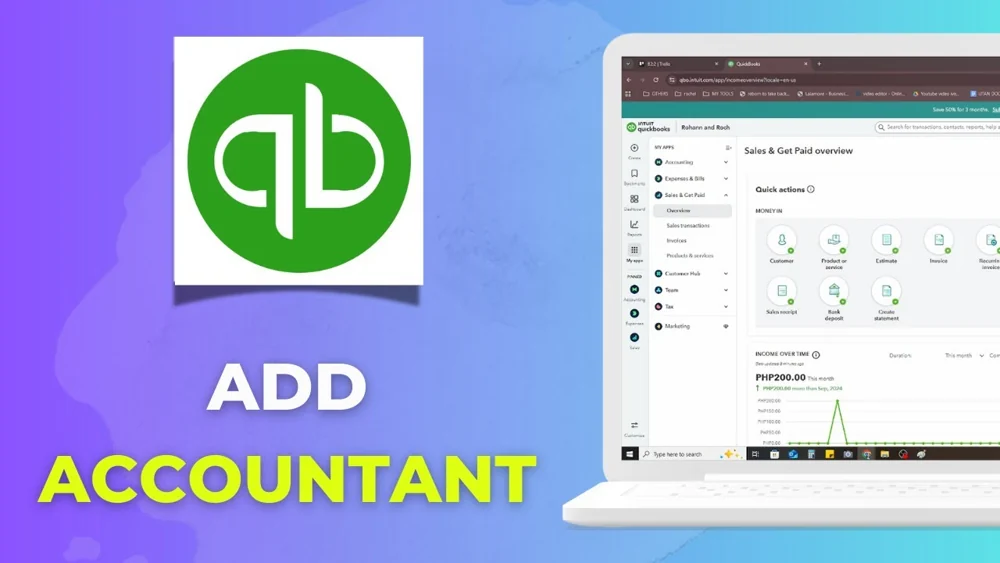
Watch the tutorial on inviting an accountant to QuickBooks Online. Confirm the invitation email with Bryan first, and use the software’s invitation feature rather than sharing your password.

QuickBooks Online accountant invitation video tutorialWatch the QuickBooks tutorial on YouTube →

Existing client forms

Use these forms after confirming the next step with Bryan. They open on Jotform in a new tab.

Need a W-9 or another document? Contact Bryan to arrange it.

Need help putting this into practice?

Discuss ongoing bookkeeping or a cleanup project, whether you are in Tampa or elsewhere in the United States.

Book a Free Consultation